Product updates
Your team's own skills
Teach the AI bid manager your team's workflows once. Active skills are shared across the workspace and can be used automatically or whenever you ask.
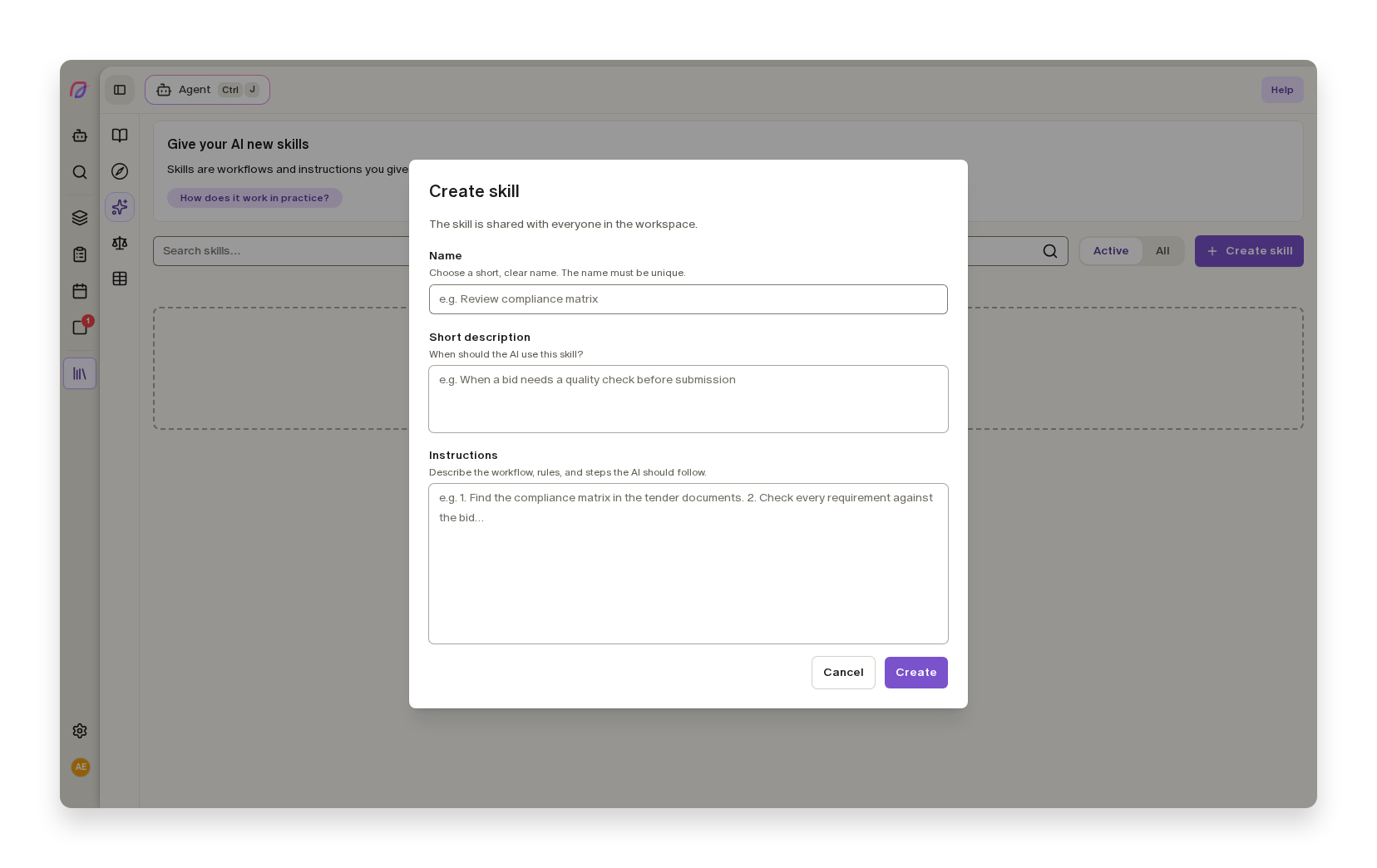
The best ways of working in a bid team often live with individual people: how to review the compliance matrix, which references to choose, or what must always be checked before submission. Every time someone uses the AI bid manager, they have to explain the process again. Now you can teach it once and share it with the whole team.
Teach the agent your workflow once
Under Library → Skills, workspace administrators can create a skill with a name, a short description of when to use it, and the instructions the agent should follow. It could be a process for reviewing mandatory requirements, selecting relevant reference projects, or checking that answers are supported by documentation.
The description helps the agent recognise when the skill is relevant. When a task matches, the agent can retrieve the instructions on its own. You can also ask for a skill in plain language, such as "use the skill for the compliance matrix". Nobody needs to remember a technical name or paste in a long prompt.
One shared approach for the whole team
Skills belong to the workspace, not to one user, bid, or document. This makes established workflows available across your bid work and reduces the risk of valuable know-how disappearing when responsibilities move between people.
Administrators can update the instructions as the way you work evolves. A skill that is not needed right now can be deactivated without deleting its content. Only active skills are available to the agent, and the agent can read them but cannot change them by itself.
Skills differ from AI instructions: AI instructions are standing rules that always apply, while a skill is a specific process the agent retrieves for the right kind of task.
See how to create and use skills in the help centre.
More improvements to the AI bid manager
- AI bid manager
Free users can now try the agent chat with included AI usage before choosing a paid plan.
- User management
Administrators receive an email when the workspace has used 80% and 100% of its monthly AI capacity.
- AI bid manager
Long agent runs are no longer stopped after five minutes.
- AI bid manager
Invalid skills no longer stop the rest of an agent run, and duplicate names or a reached capacity limit produce clear error messages.