Product updates
New capabilities for the AI bid manager
The AI bid manager can read and write tender comments, create and update assessment criteria, and help administrators manage the team's skills.
Assessing a tender means following up on your team's questions and the conditions that matter to your business. The AI bid manager can now handle more of these tasks for you. Describe what you need in chat and approve changes before they are saved.
Do more from the conversation
The agent can read a tender's comments and write a new comment on your behalf. Ask it to summarize a discussion or record a question the team should follow up on. Comments appear under your name and remain internal to the team.
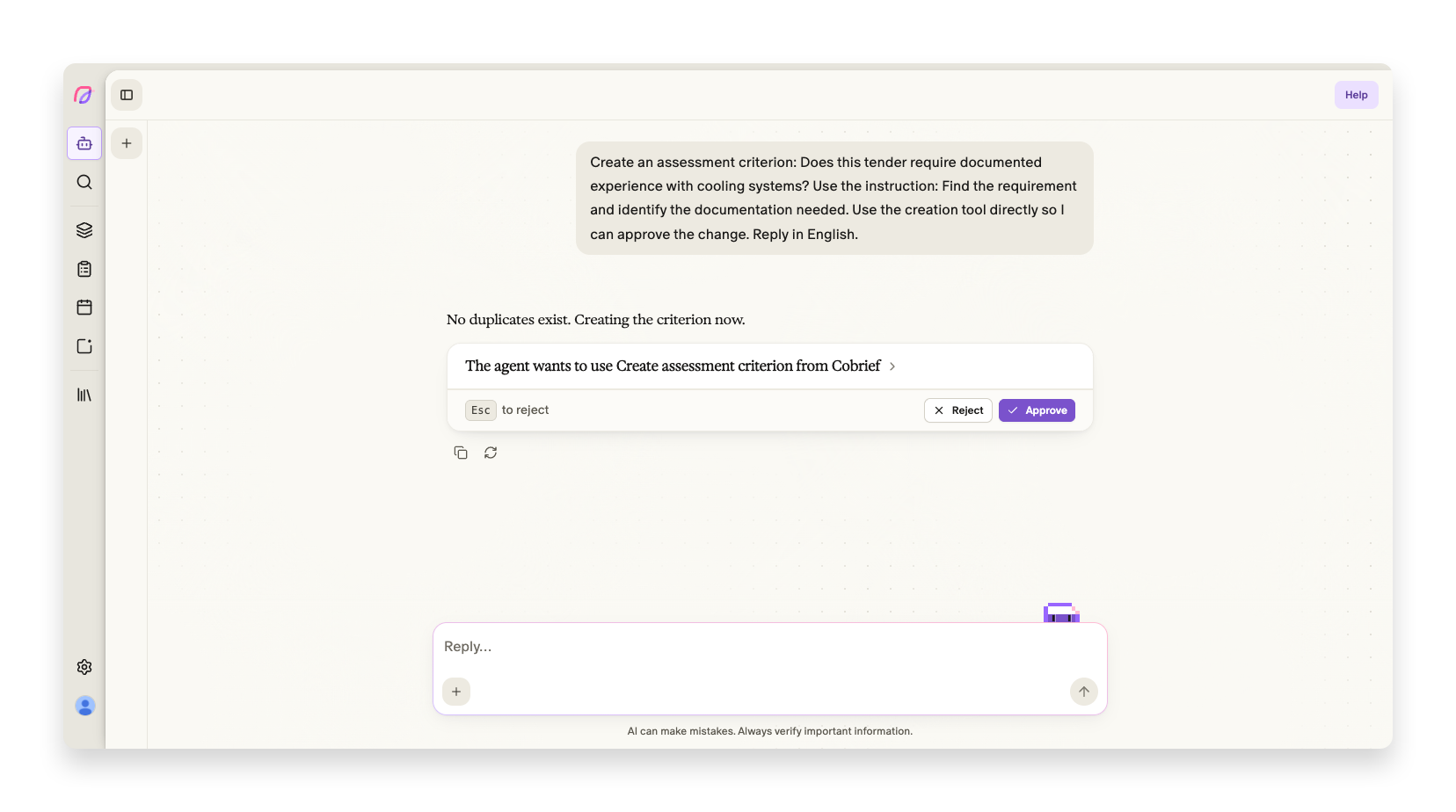
You can also ask the agent to list, create or update your team's assessment criteria. For example: “Create a criterion that checks whether we must document experience with cooling systems.” The agent proposes the change and requests approval. Updating a criterion while a tender is open refreshes the answer in the assessment.
You can also ask the agent to create a private tender and start a document in the bid room. Tender documents are not required to begin writing. The agent asks for approval before creating the tender.
The agent follows your access rights in the workspace. Read more about custom assessment criteria.
Adapt the agent to the way your team works
Administrators can now ask the agent to create and edit skills. A skill describes a workflow your team wants to reuse, such as checking a bid against the requirements.
Explain how you want to work, or choose Create skill from the / menu. The agent helps with the name, description and instructions. After approval, the skill can be used from the next message and shared with the team.
Administrators can also update the company’s AI instructions from chat. Explain how you want to write or which strengths the agent should consider. The agent shows the changes before you approve them. The instructions are updated in the library.
Other agent improvements
- AI bid manager
Questions with several options appear more clearly beside the message field. Open questions and yes/no questions are asked directly in the conversation.
- AI bid manager
PDF attachments go directly to the agent, which can wait for other file types to finish converting.
- AI bid manager
New agent conversations receive a title in your language, making them easier to find again.