Product updates
Learning from past bids
Save submitted bids to the knowledge base and let the AI bid manager use past results, award decision letters and disclosure documents when you prepare your next bid.
Once a bid has been submitted, both the response and what you learned from the result often remain in folders and inboxes. You can now keep that work in Cobrief and use it as a foundation when writing the next bid.
Save the response for future use
When a bid is marked as submitted, you can save the response directly to the knowledge base. Text documents and completed Word and Excel templates are selected by default, and you choose what to keep. You can do the same from the menu in the bid workspace for bids that have already been submitted.
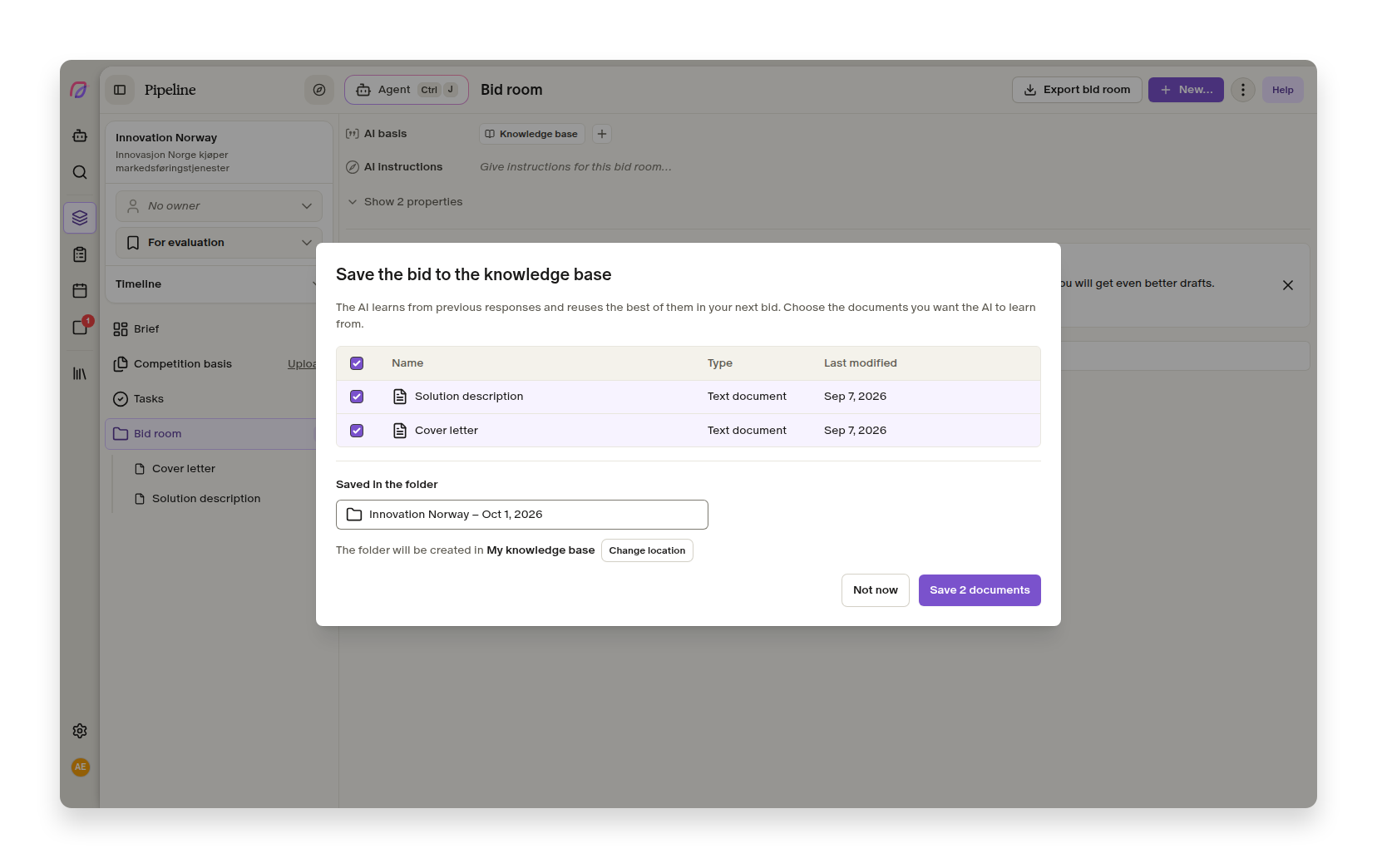
The content is stored in a dedicated folder for the bid and can be used by the agent. If you save the bid again after making a change, the previous version is replaced. This prevents multiple near-identical copies and gives you a tidy foundation for reuse.
You decide which parts of the response are worth building on. Strong solution descriptions, cover letters and completed templates can support future work without anyone having to export, organise and upload them again.
Use the results in your next bid
The results you register also carry forward. The agent can use outcomes, reasons for losing, comments and contract values from previous tenders. The agent can also search award decision letters and disclosure documents that you have uploaded to the tenders.
For example, you can ask the agent to identify recurring reasons for losing, summarise what the feedback says about pricing, or check a new draft against what you learned last time. The agent identifies which tender the information came from, so the team can return to the source.
Disclosure documents are clearly marked as competitor material and are used only when the agent needs them. They are not added to the knowledge base or automatically included in bid drafts.
This means the work from one tender can become a stronger starting point for the next. Read more about how to register results and upload award decision letters.
More improvements to bid work
- Pipeline
Tenders cancelled by the buyer automatically move to the correct status when Cobrief receives the cancellation notice.
- Proposals
Macro-enabled Word and Excel files can now be uploaded to Cobrief.
- Proposals
Long document titles no longer overlap metadata when the agent is open beside the bid.
- Proposals
Remaining placeholder text is removed more reliably from bid responses.