Product updates
Images in the agent chat
Paste or upload an image in the agent chat when a screenshot explains the task better than a long description.
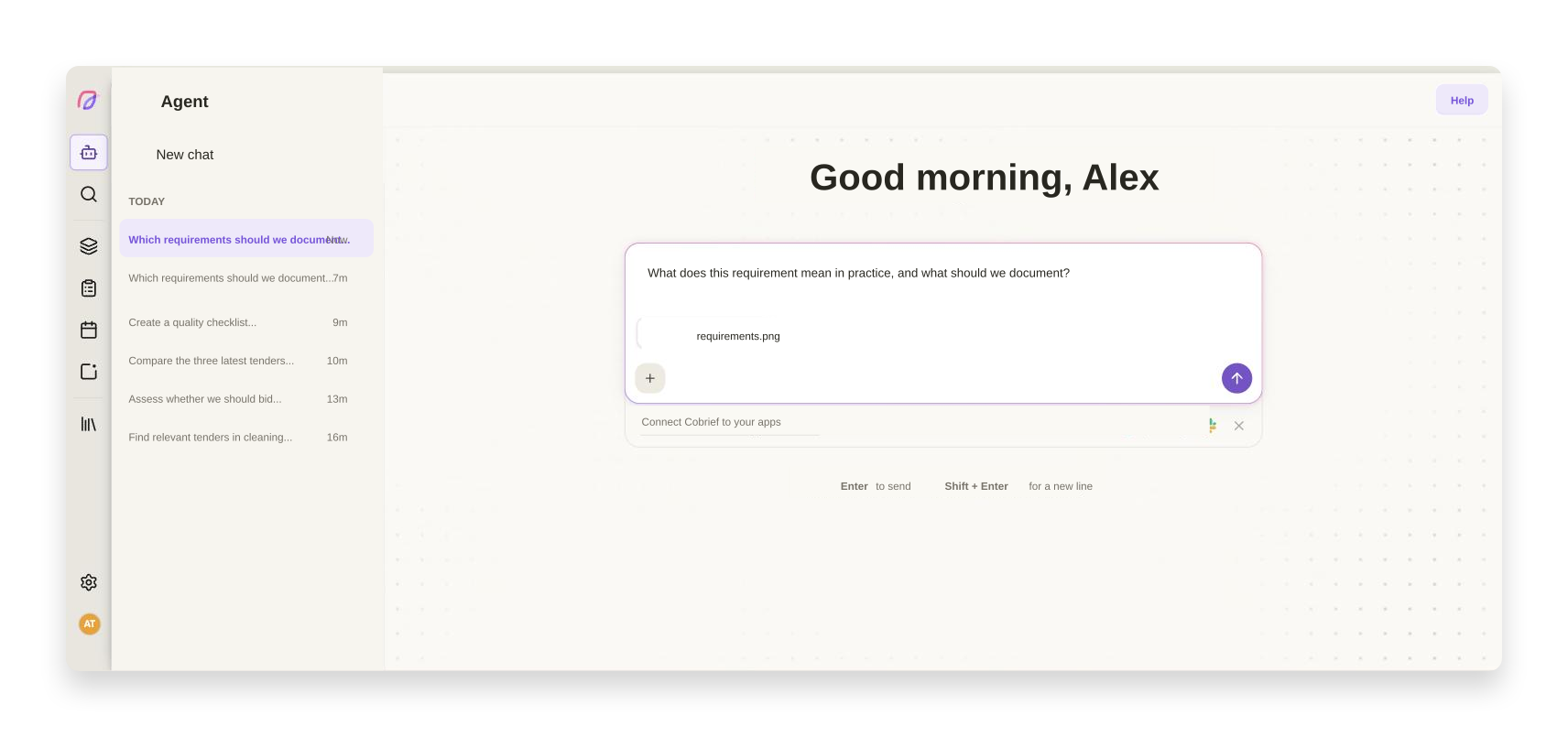
Sometimes it is quicker to show than to explain. A requirement buried in a tender document, a row in a price sheet that does not add up, a table from the buyer's portal: typing it out takes time, and the details that matter are often the ones lost in the retyping.
You can attach images straight in the chat
Paste a screenshot with Cmd+V, drag a file into the chat, or pick it from the file picker. The image sits as an attachment next to your message, and you can remove it again before you send.
The agent reads the image along with your question, so you can ask about what you are actually looking at: what does this clause mean, can you find the discrepancy in this table, help me answer this requirement. The image stays in the conversation, so it is still the context you are working from several messages later.
Improvements to attachments
- AI bid manager
Images are handled alongside the other files you attach to a conversation, and appear as their own cards with upload status.
- AI bid manager
Upload error messages are translated and explain what went wrong.