The Most Important New Launches from 2024
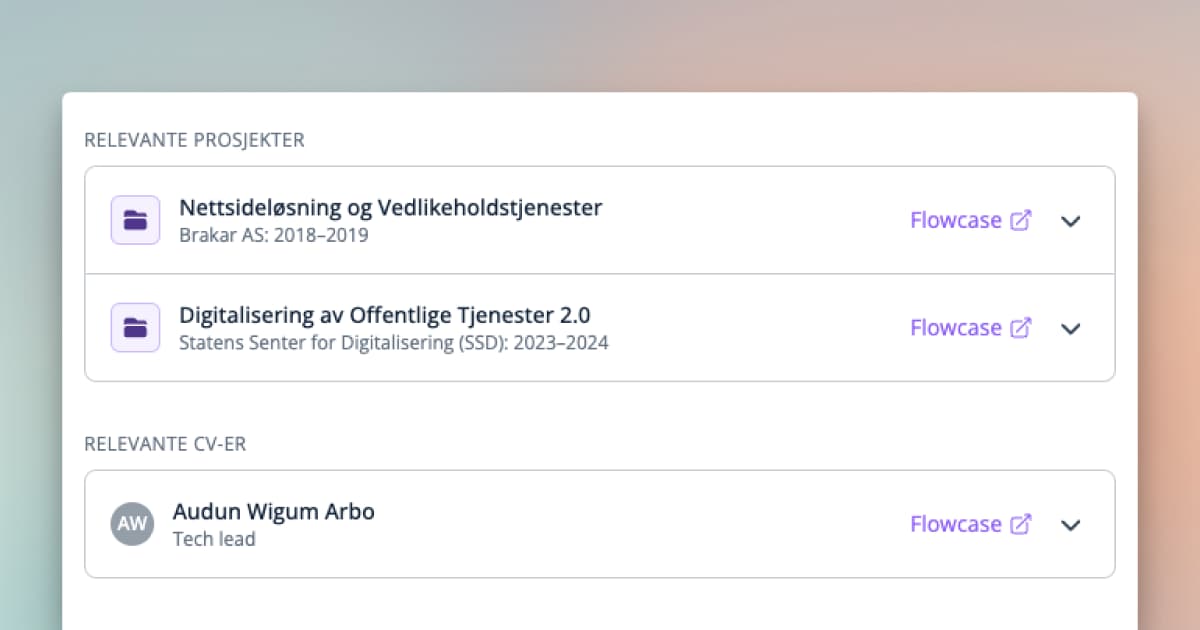
Learn about the new features in Cobrief from 2024 that make tender work easier. We walk through five practical improvements that help you save time when working with tenders, including better search, automatic task lists, and easy CV management with Flowcase integration.
In 2024, over 400 new versions of the Cobrief application were launched, so it's hard to keep up with all the updates that came throughout the year. That's why we've picked out the five features that will save you the most time in the coming year.
1. Write Tenders with Cobrief
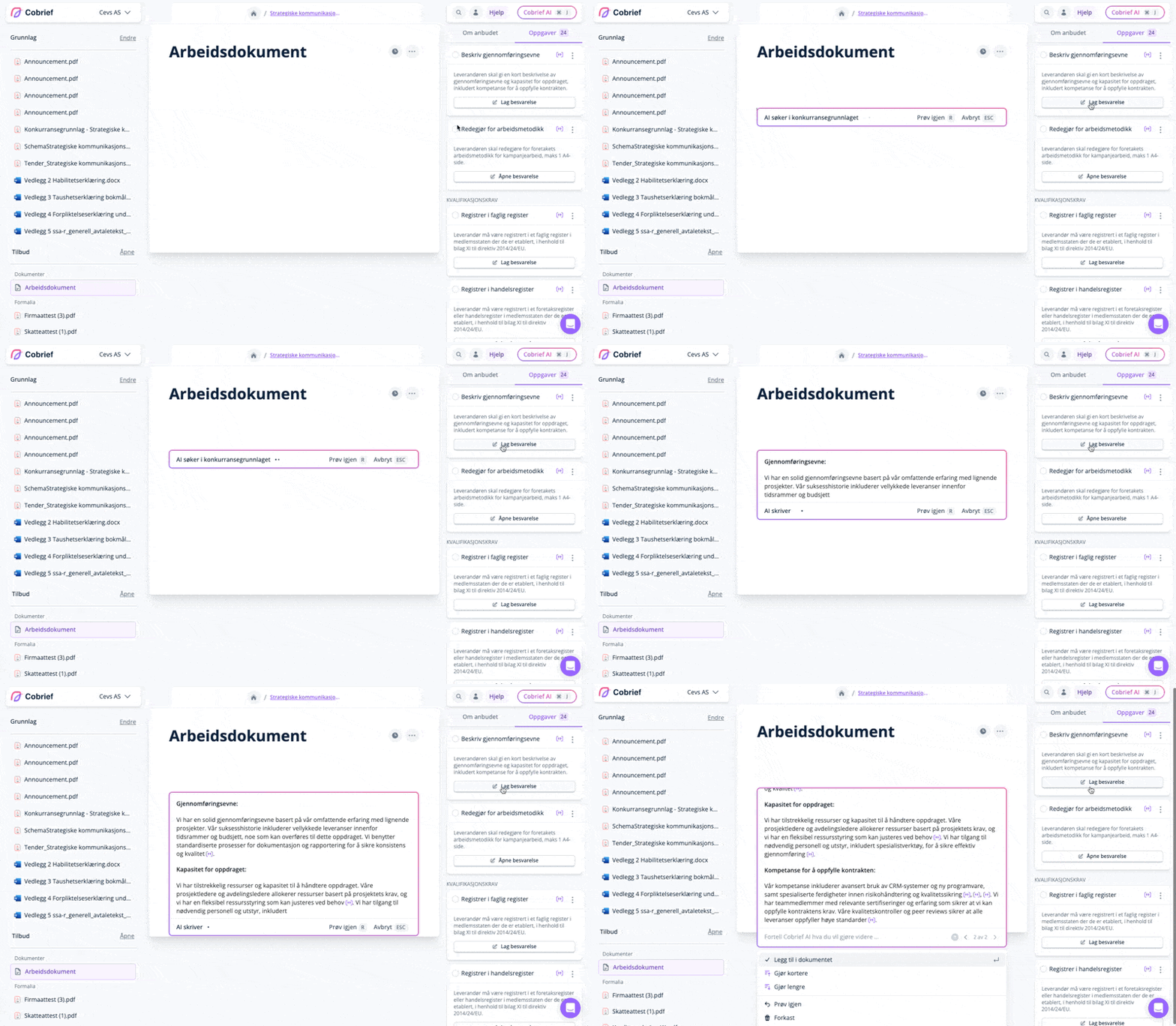
Cobrief can now generate suggestions for new responses, using your words and expressions, based on previous responses and other company information. You can do this from a document in the bid room, or directly from the tender documentation.
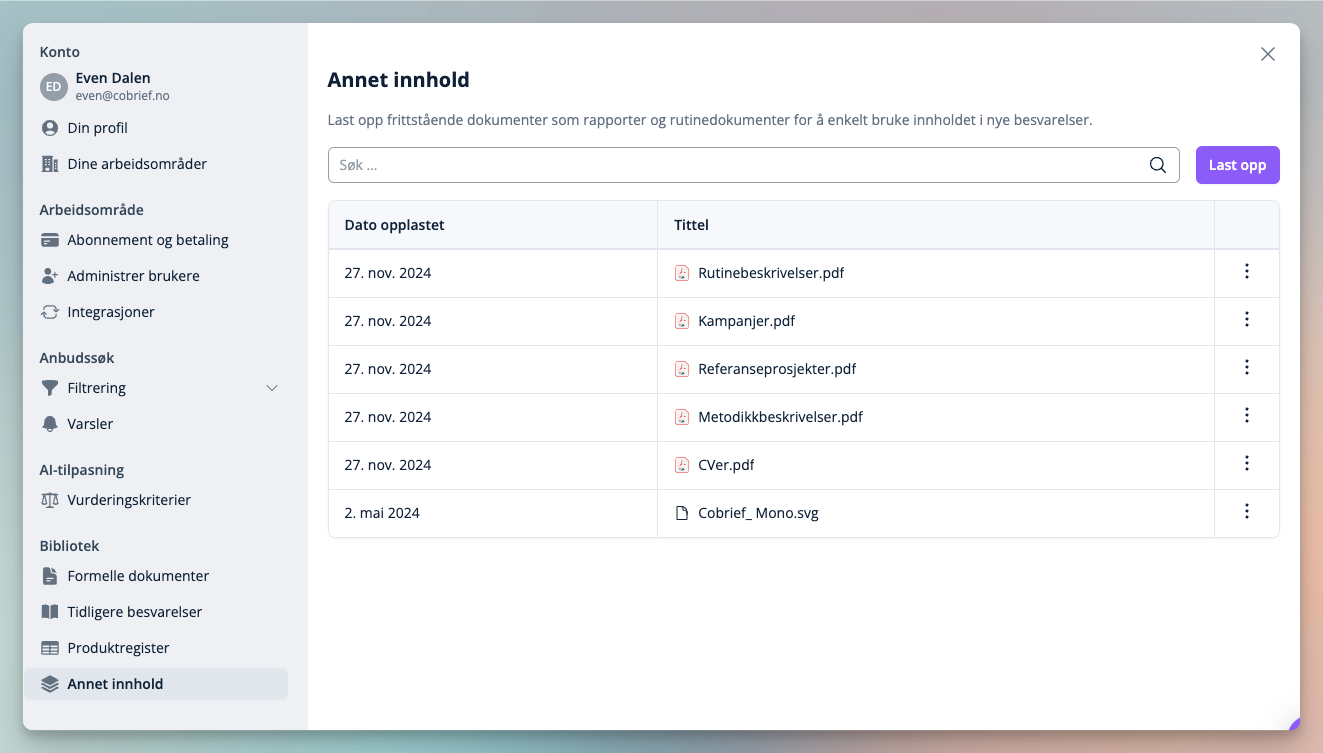
Upload previously answered tenders and other relevant company documentation in the library from company settings.
Read more in our help article about writing tenders in Cobrief →
2. Suggested Tasks
When you upload the tender package, Cobrief will generate suggested tasks. The tasks are a great way to assess the scope of the tender, while also giving you a kickstart on the proposal work.
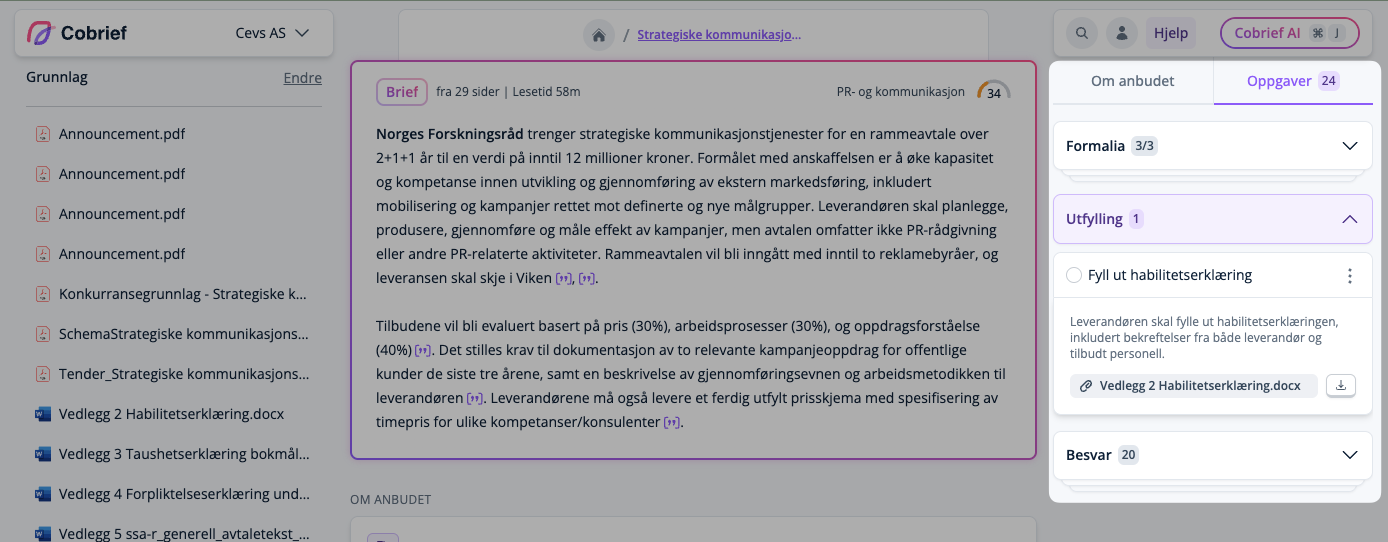
You'll find the tasks in the right panel under the "Tasks" tab, and in the tender documents. All tasks have associated actions, such as generating a response or adding formalities to the proposal.
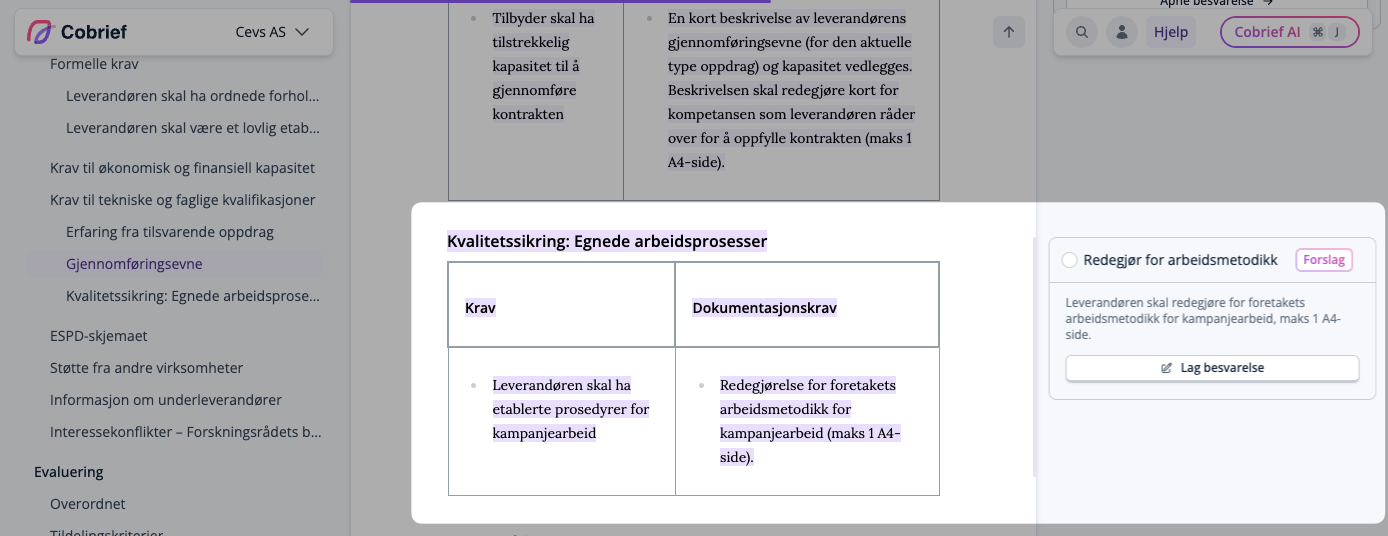
Read more about suggested tasks in our help article →.
3. Ask Cobrief AI
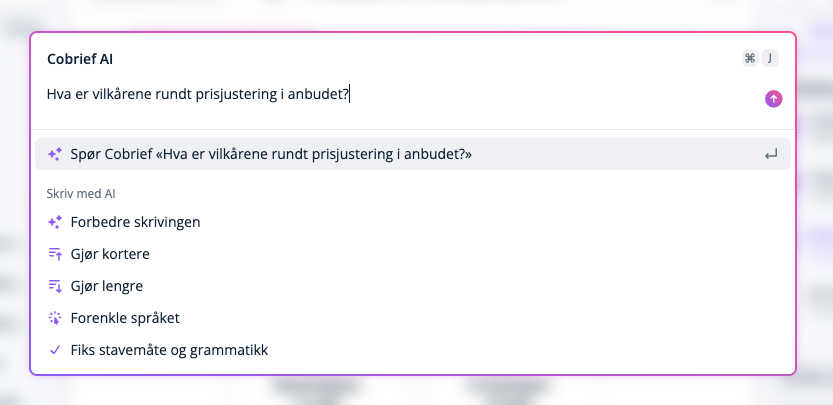
Throughout Cobrief, you can activate Cobrief AI by pressing Ctrl + J on Windows, Cmd + J on Mac, or by clicking "Cobrief AI" in the top right of the application. This is perfect for asking questions about a tender package you're evaluating, or improving a tender text you're working on.
4. Flowcase Integration
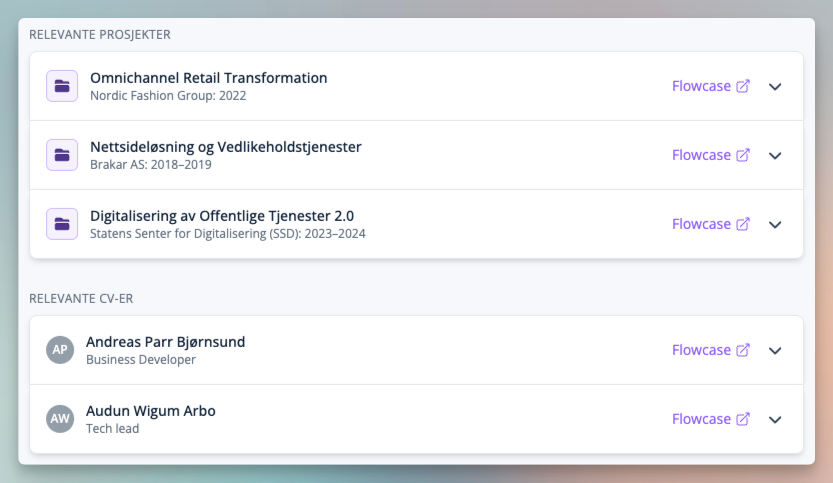
Flowcase (formerly CV Partner) is a tool for managing CVs and reference projects, and is a perfect companion to use with Cobrief. Connect Flowcase from "Integrations" in settings, and you'll get suggested relevant reference projects and CVs for the tender you're evaluating.
5. Optimized Tender Search with Relevance Scores
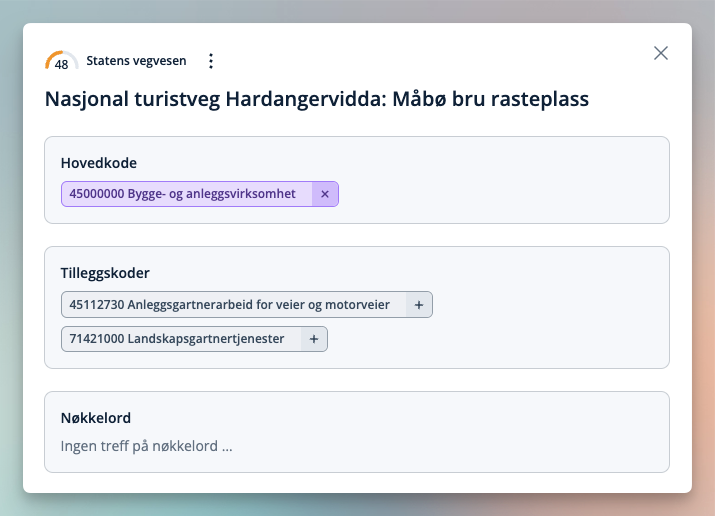
Getting noise in your inbox? Relevance scores show why a tender appeared in your inbox, and let you adjust your search along the way.
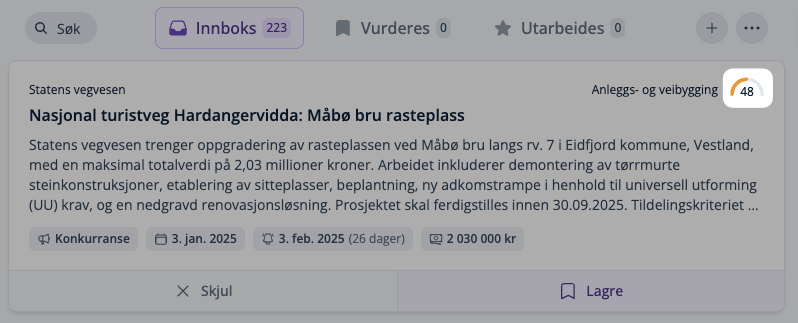
Click on the scores to see why the tender appeared in your results, and remove or add codes and keywords to your default search right from the dialog.
Read more in our help article about finding tenders in Cobrief →.
What's Coming in 2025?
At Cobrief, we have big ambitions for 2025, and we're starting by launching a completely new navigation, a new overview page for ongoing tenders, new task management, and a completely new insights page in January. There's a lot to look forward to!
Thank you for being part of our journey to make it easier to work with private and public tenders!