Relevance Scores, Search Function, and Onboarding
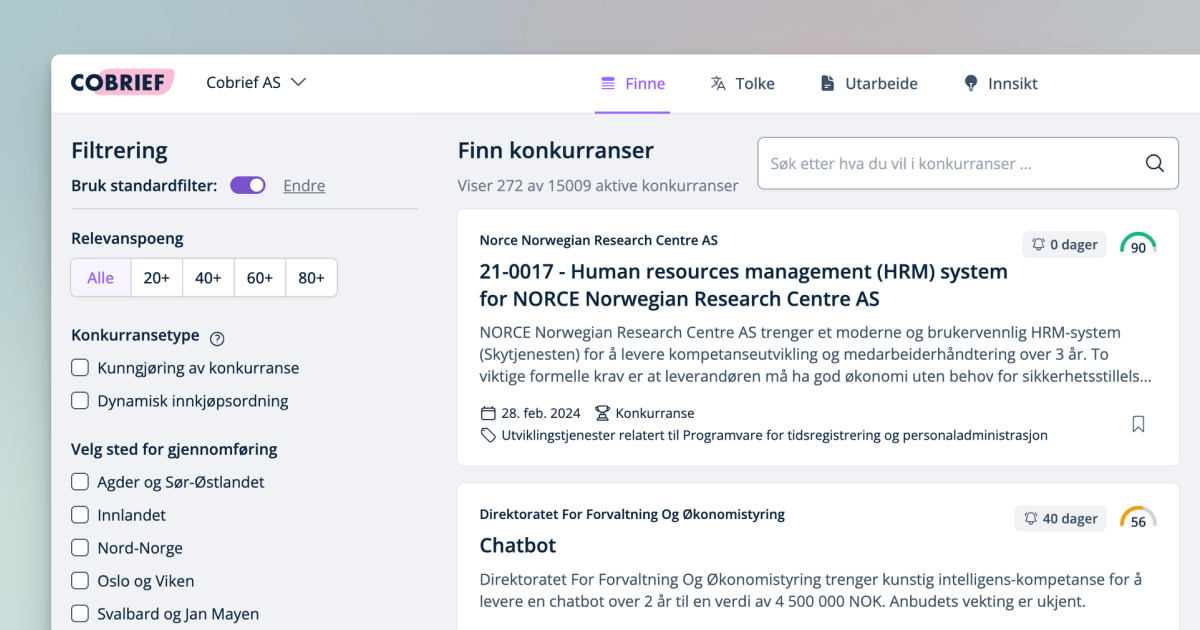
In February, we focused on improving tender search and matching, as well as simplifying getting started with Cobrief. We launched 'relevance scores' to show tender relevance, improved search and filtering, and introduced a new onboarding that takes just 3 minutes, with no need for tender knowledge or integration setup.
In February, we focused on improving tender search and matching, as well as simplifying getting started with Cobrief. We launched "relevance scores" to show tender relevance, improved search and filtering, and introduced a new onboarding that takes just 3 minutes, with no need for tender knowledge or integration setup.
💯 Relevance Scores
Get insight into the tender's relevance for your company via a score based on services, expertise/keywords, and CPV codes you've entered. Click on the scores to see the basis, and remove irrelevant CPV codes or keywords.
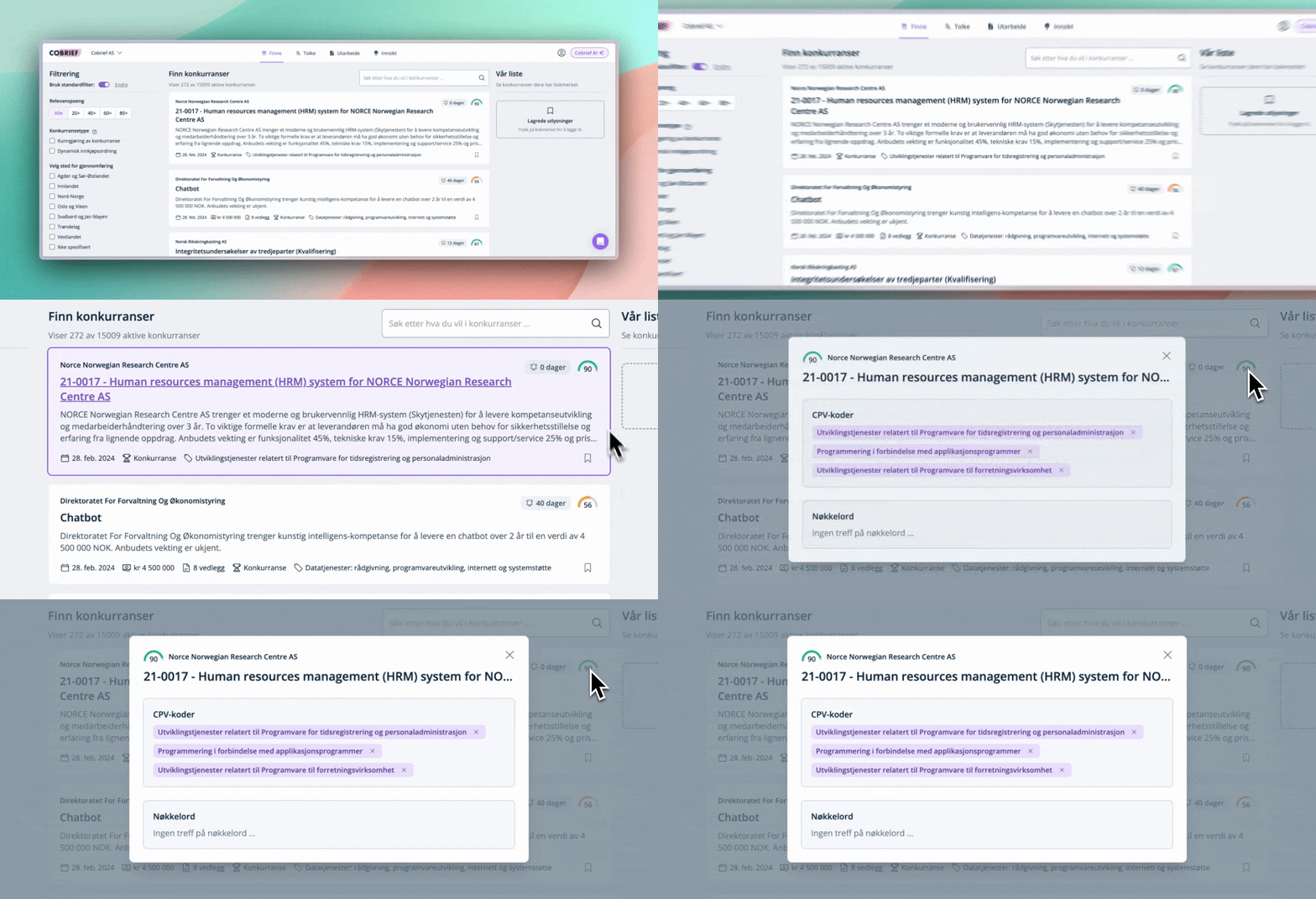
We've also launched a feature that makes it possible to use relevance scores as a filter in alerts. In other words, Cobrief can filter out irrelevant tenders, even if you initially have a broad search.
🔎 Better Search Function
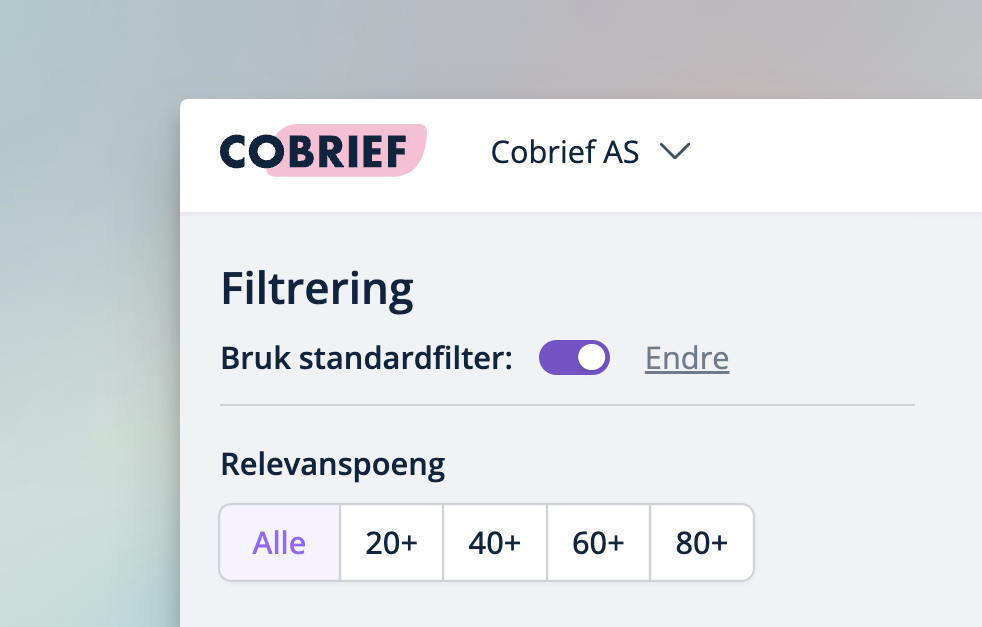
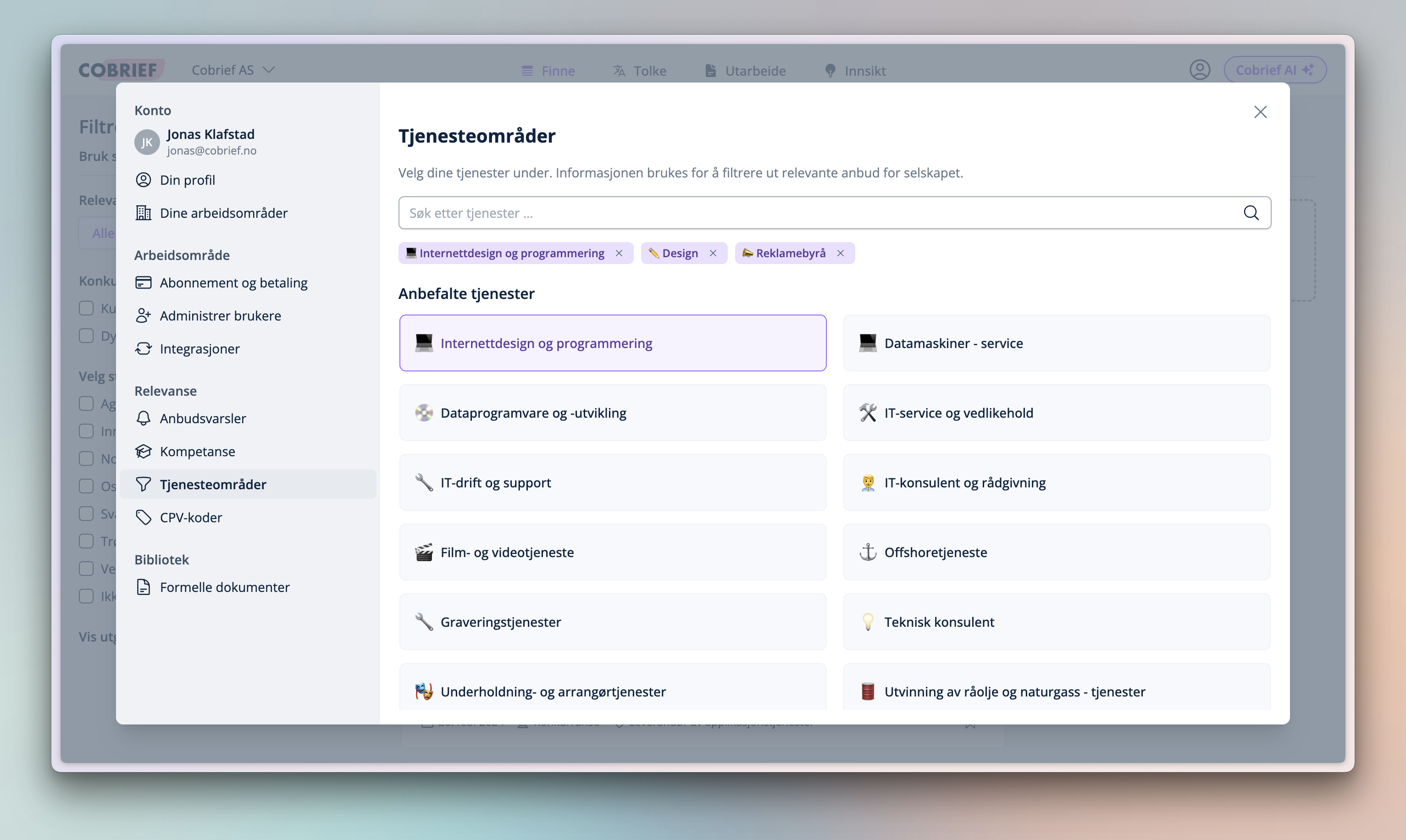
The search function in Cobrief has been upgraded with new features to increase accuracy. You can find these features in settings after logging in.
- Service areas: Cobrief suggests service areas based on information from Brønnøysund, but you also have the option to search the catalog of all service areas. These function as groups of CPV codes, and help Cobrief deliver good results in the search function.
- Expertise/keywords: Cobrief suggests keywords based on selected service areas, but you also have the option to add your own keywords. Choose keywords that reflect the company's expertise, as these are used for advanced searches in tender notices and affect the relevance of each tender.
Tip: From 02:16 in the video further down in this article, you can see how the new search settings work.
⏳ New Onboarding in 3 Minutes!
Get started with Cobrief to optimize your tender work in just 3 minutes, with no need for prior knowledge of tenders or configuration of integrations.
- Log in with your Google or Microsoft account.
- Find your company in the Brønnøysund Register.
- Select the service areas you offer from our recommendations.
- Choose from the suggested keywords.
- You're ready to start 🎉
Watch the walkthrough of the new onboarding in the video below.
⚙️ Quality and Speed
Many quality improvements have been implemented under the hood to ensure a more stable and better user experience. This includes an improved solution for detecting changes in notices, displaying notice history, and alerting about changes in a more efficient way.
🗓️ Next Month
Next month, we'll launch an updated interpretation page. This page will give you the necessary information to interpret the tender in a simpler way. We'll also show all changes that have been made since the notice was first published.
Do you have a suggestion for functionality in Cobrief, or have you experienced friction in the tender process? Send us a message via the chat at the bottom right of this page, and we'll simplify things for you!