Proposal drafting, insights module, and CV Partner integration
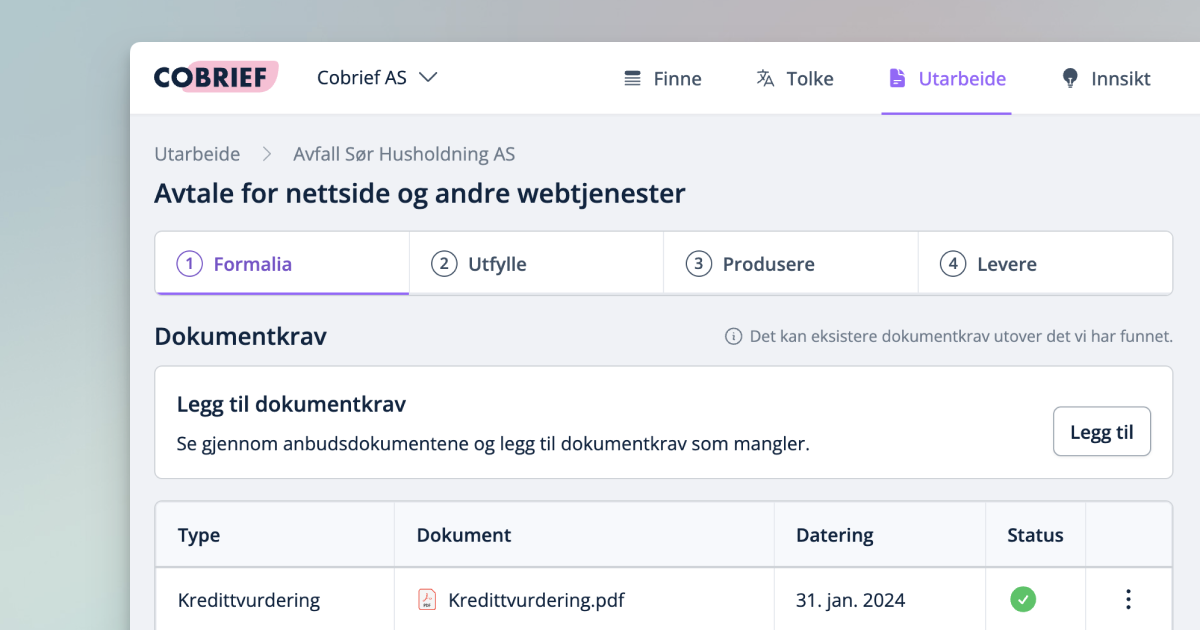
Development at Cobrief is moving fast, and in January we launched many new features. Among other things, we completed a major upgrade to the drafting step, introduced a new insights module, launched the first version of the CV Partner integration, improved CPV code selection and filtering, and made chat support available directly in the application.
Development at Cobrief is moving fast, and in January we launched many new features. Among other things, we completed a major upgrade to the drafting step, introduced a new insights module, launched the first version of the CV Partner integration, improved CPV code selection and filtering, and made chat support available directly in the application.
Proposal drafting has been upgraded
Once you've found and interpreted the tender you want to bid on, it's time to create the actual proposal. Many want to make the process more efficient and simpler by reusing previous tender documents. That's why we've upgraded the drafting step in Cobrief.
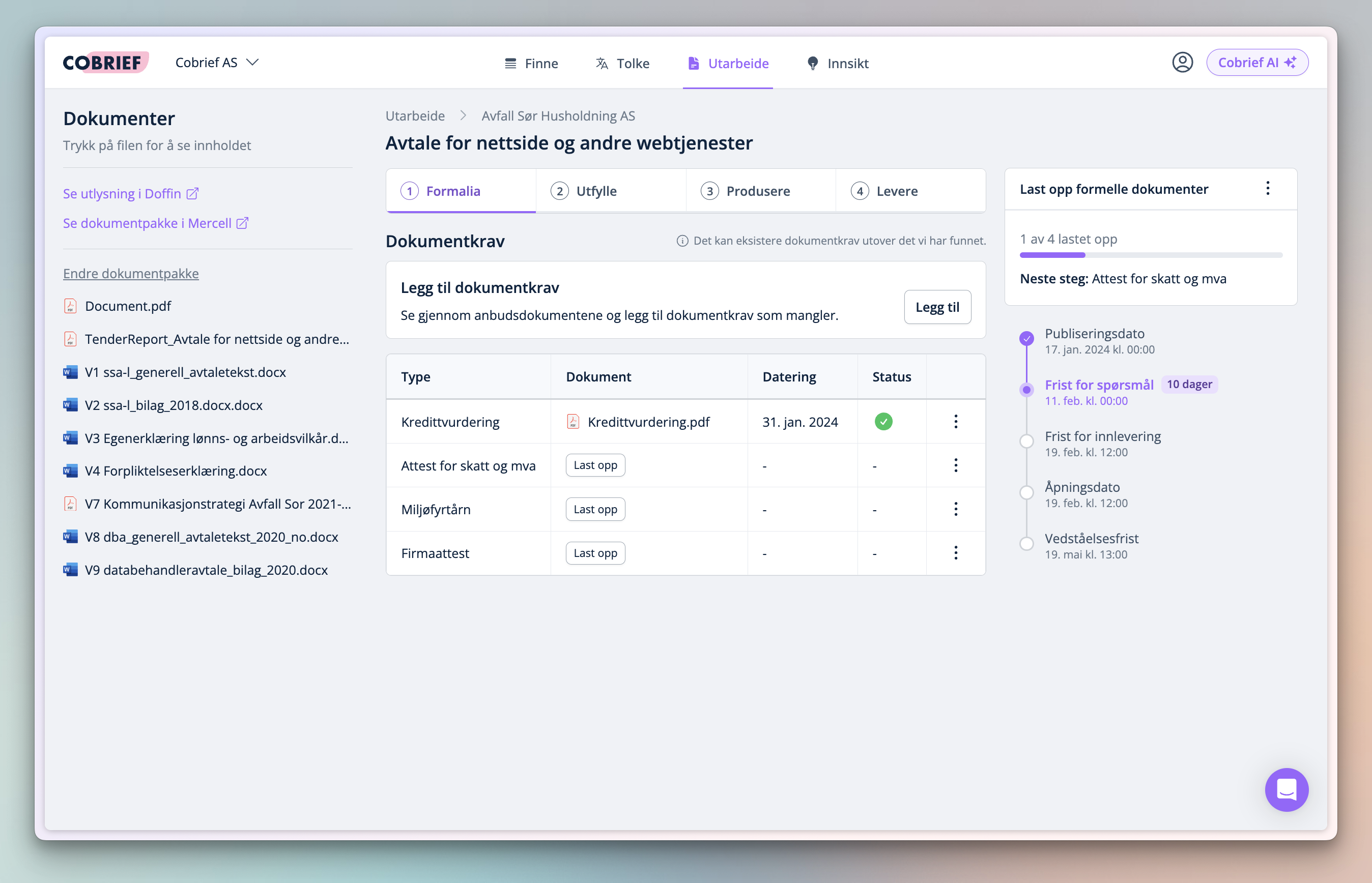
Some highlights:
- You're guided through a four-step process so you always know what to do at any given time.
- Cobrief suggests documents you need to fill out, and retrieves documents from previous tender processes for reuse.
- When the proposal is fully drafted, you can download all documents together. We will guide you to where you need to submit the proposal.
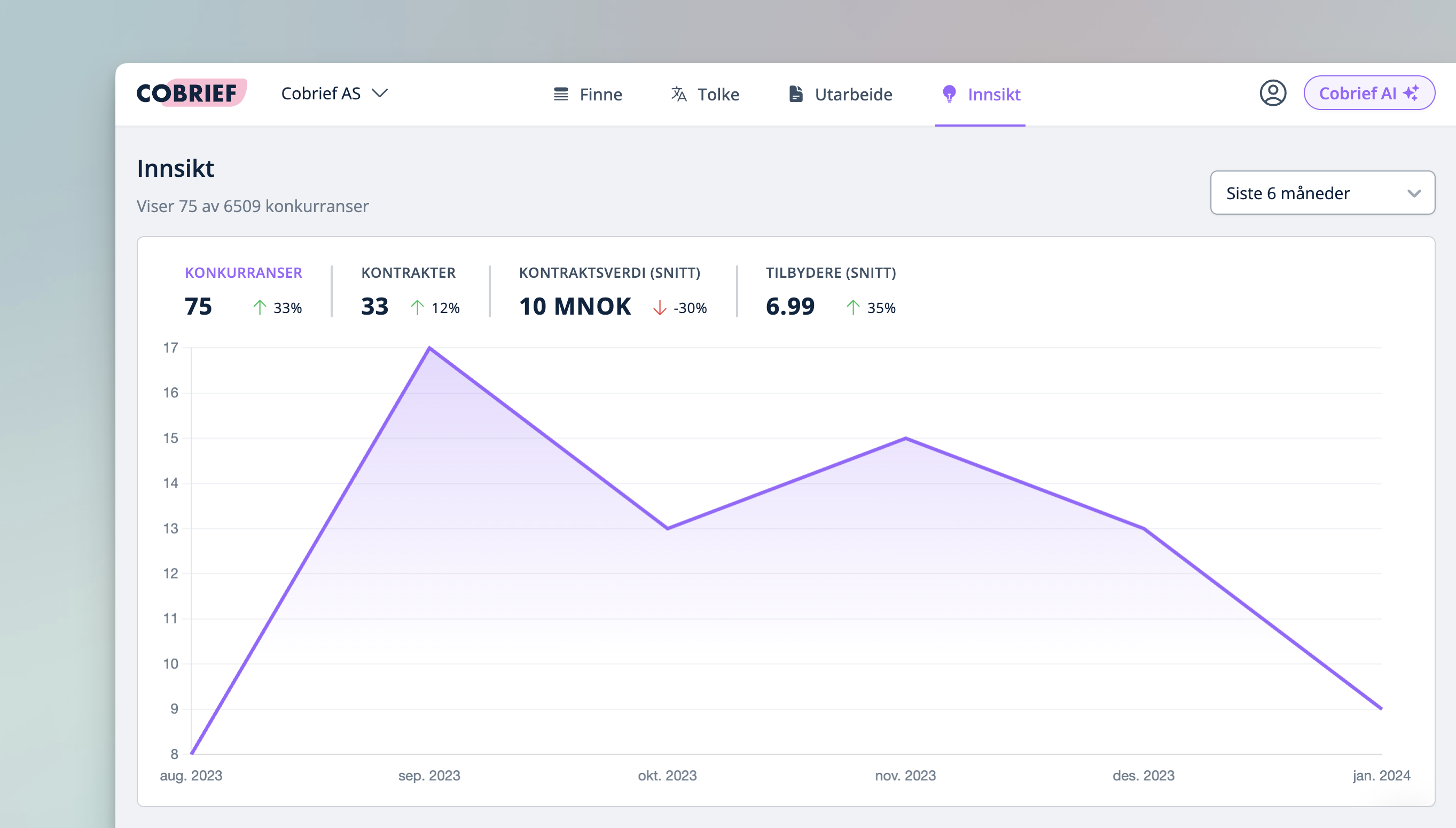
Insights module
Get insights into trends and competitors in the tender market from the last 10 years. Now you can also look up both contracting authorities and bidders -- in other words, a great tool for conducting competitor analysis.
Integration with CV Partner
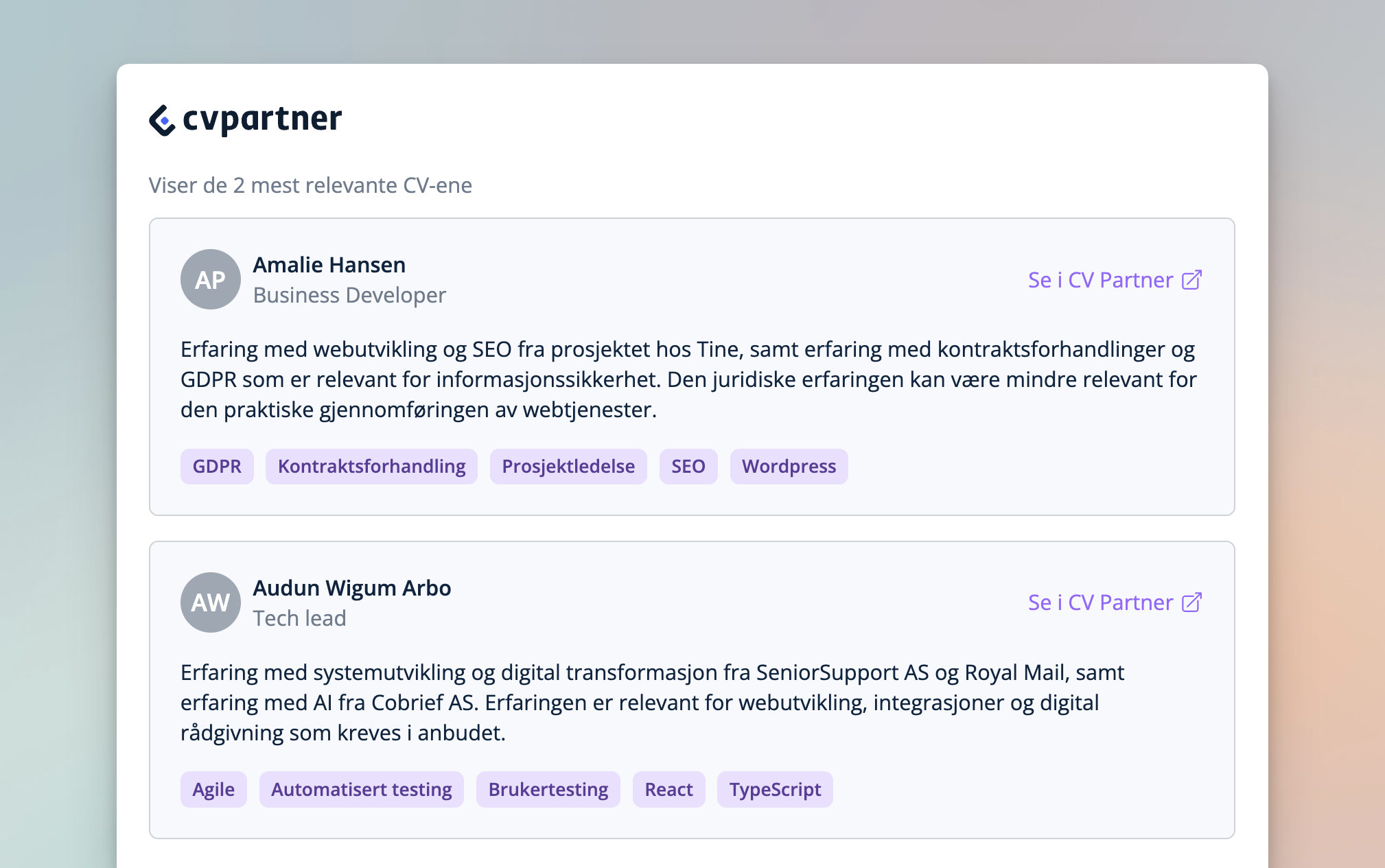
The first version of the CV Partner integration is now ready. You can now get suggestions for relevant CVs that match the tender you're looking at. This new feature makes it easier to assess whether you have the right resources to qualify for the tender.
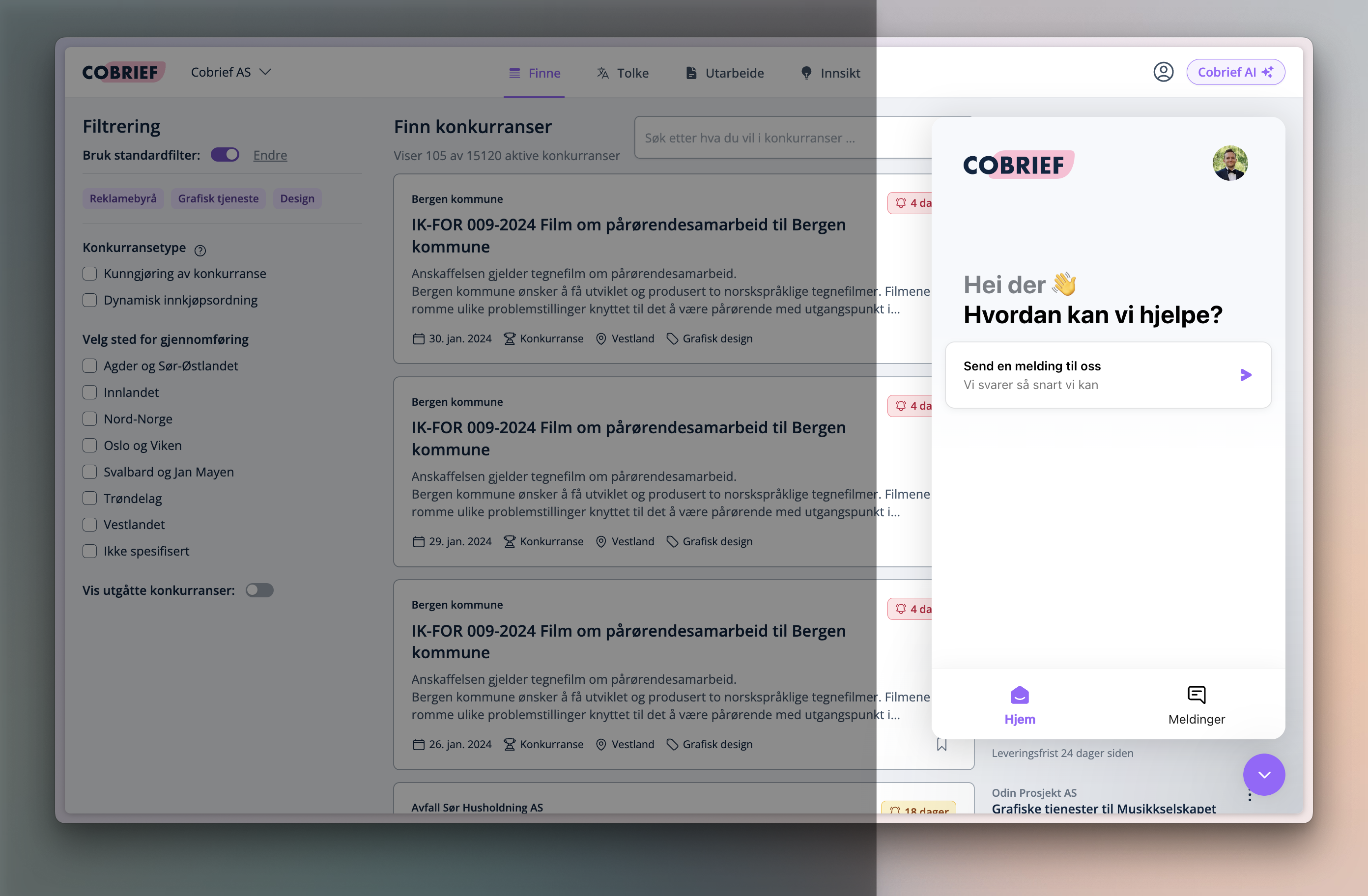
Provide feedback directly in the system
We want to be easily accessible for our customers. If you have product requests, discover bugs, or just have a quick question or input, we've added a chat function that you'll find in the bottom right corner of the application for quick feedback.
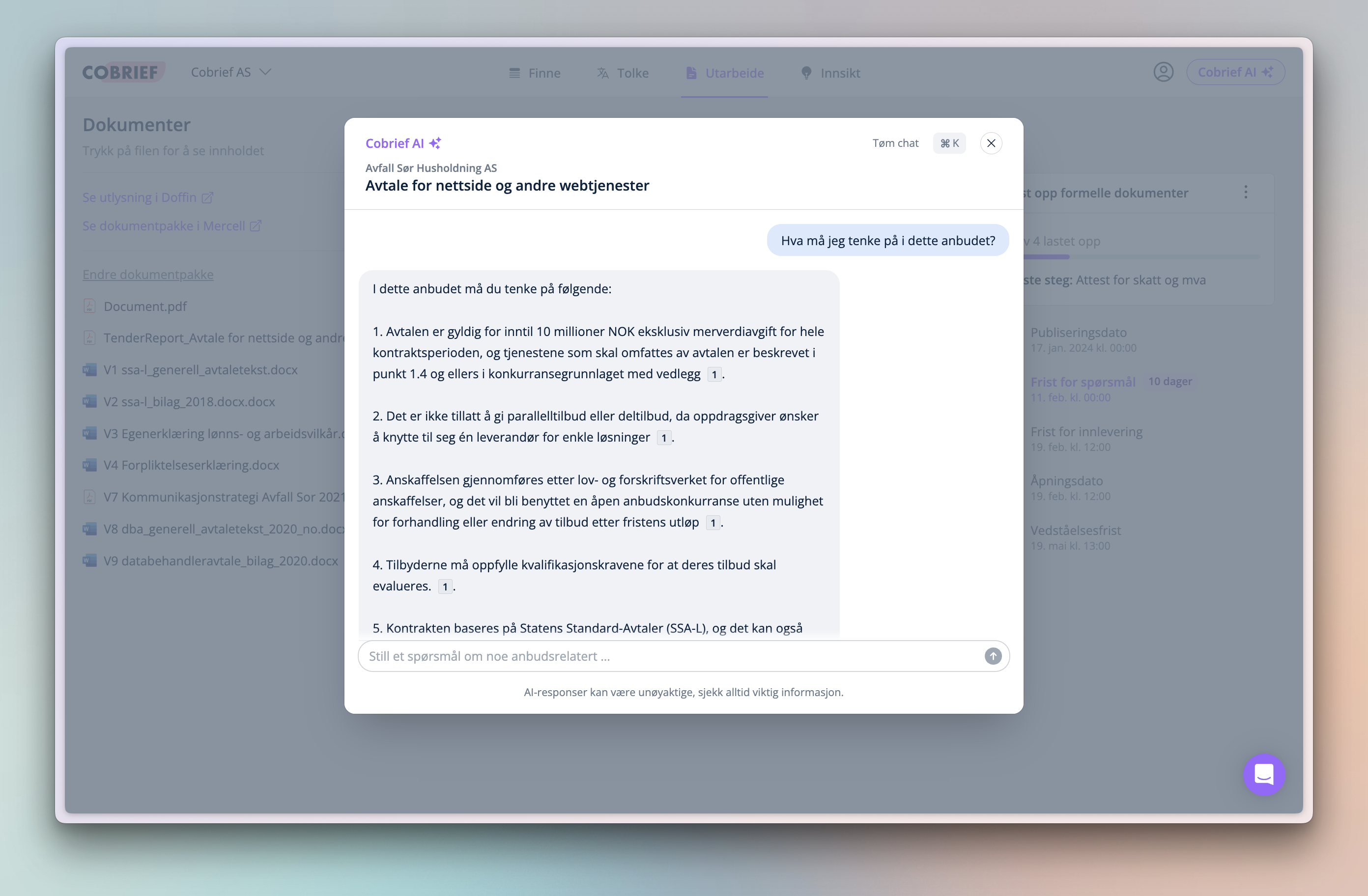
Cobrief AI
You'll now find Cobrief AI in the top right corner of the application, where you'll be guided through all the steps of the tender process. Ask general questions about tenders, or let Cobrief extract information directly from the tender package. You can also open Cobrief AI by using Command + K (on Mac) or CTRL + K (on Windows).
We're excited to launch more updates in the coming weeks, including even smarter tender matching based on the competencies in your company.